๐Ÿ“บ Tools Android โญ 4.4 ยท 26K Reviews

Connect Your Phone
to Any TV. Instantly.

Use a USB-C to HDMI cable to cast video, photos, and music from your Android phone to any TV in Full HD or 4K. No Wi-Fi, no Bluetooth, no lag. Trusted by over 2,000,000+ users worldwide.

2M+ Downloads
4.4โ˜… Rating
4K Resolution
Screen Cast HDMI app icon
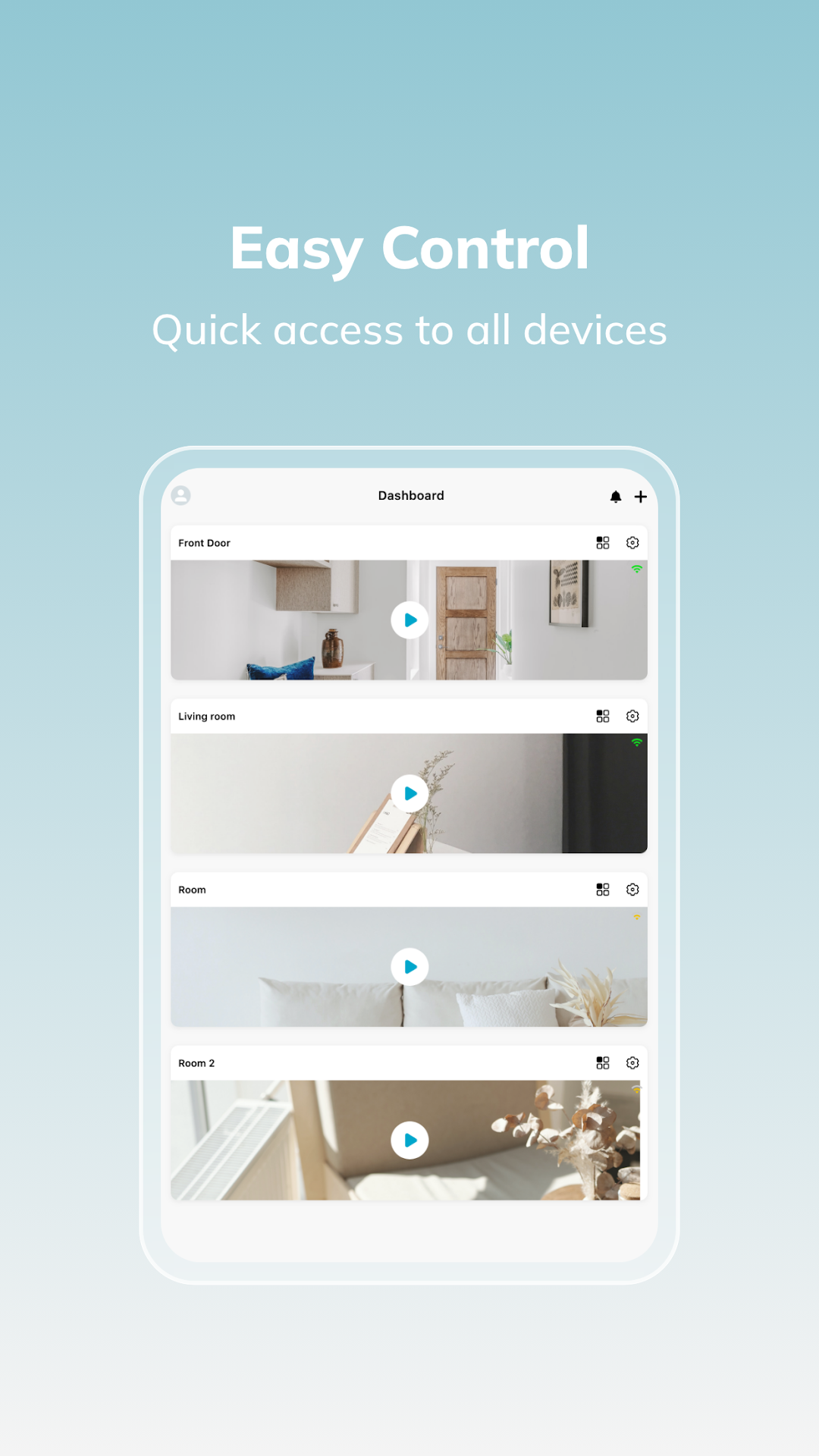
Screen Cast HDMI USB app screenshot
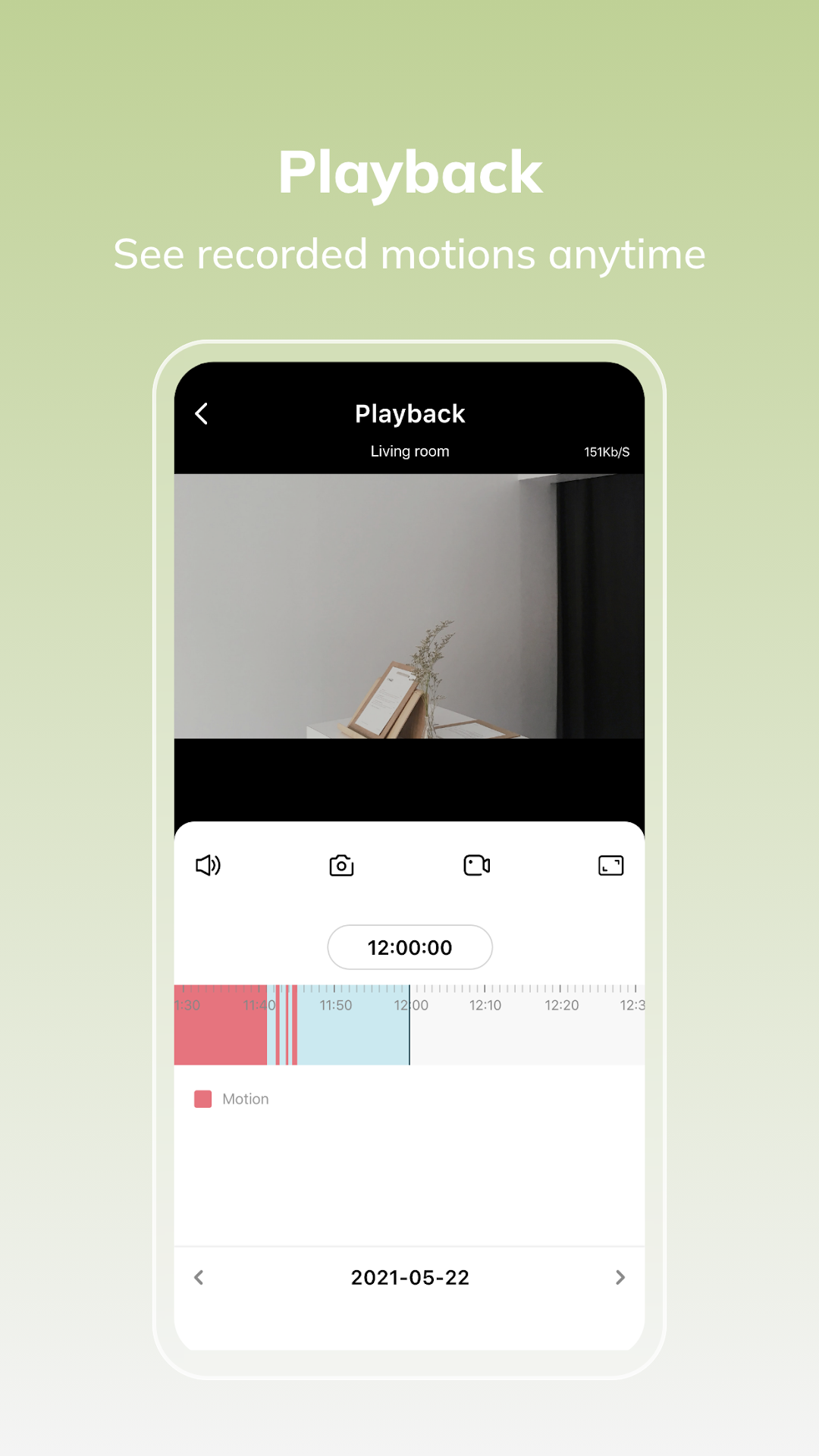
Screen Cast HDMI USB app features
Screen Cast HDMI USB โ€” main screen
Screen Cast HDMI USB โ€” cast options
Screen Cast HDMI USB โ€” compatibility check

The Easiest Way to Get Your
Phone on the Big Screen

๐ŸŽฌ
4K Video Playback

Watch your videos in HD, Full HD, or true 4K resolution on any HDMI-equipped TV.

๐Ÿ”Œ
No Wi-Fi Required

Works with just a USB-C to HDMI cable. Plug and play โ€” perfect for hotels, travel, or anywhere without Wi-Fi.

๐Ÿ–ผ๏ธ
Full-Resolution Photos

View your entire photo gallery at full resolution on the big screen with no compression.

๐ŸŽต
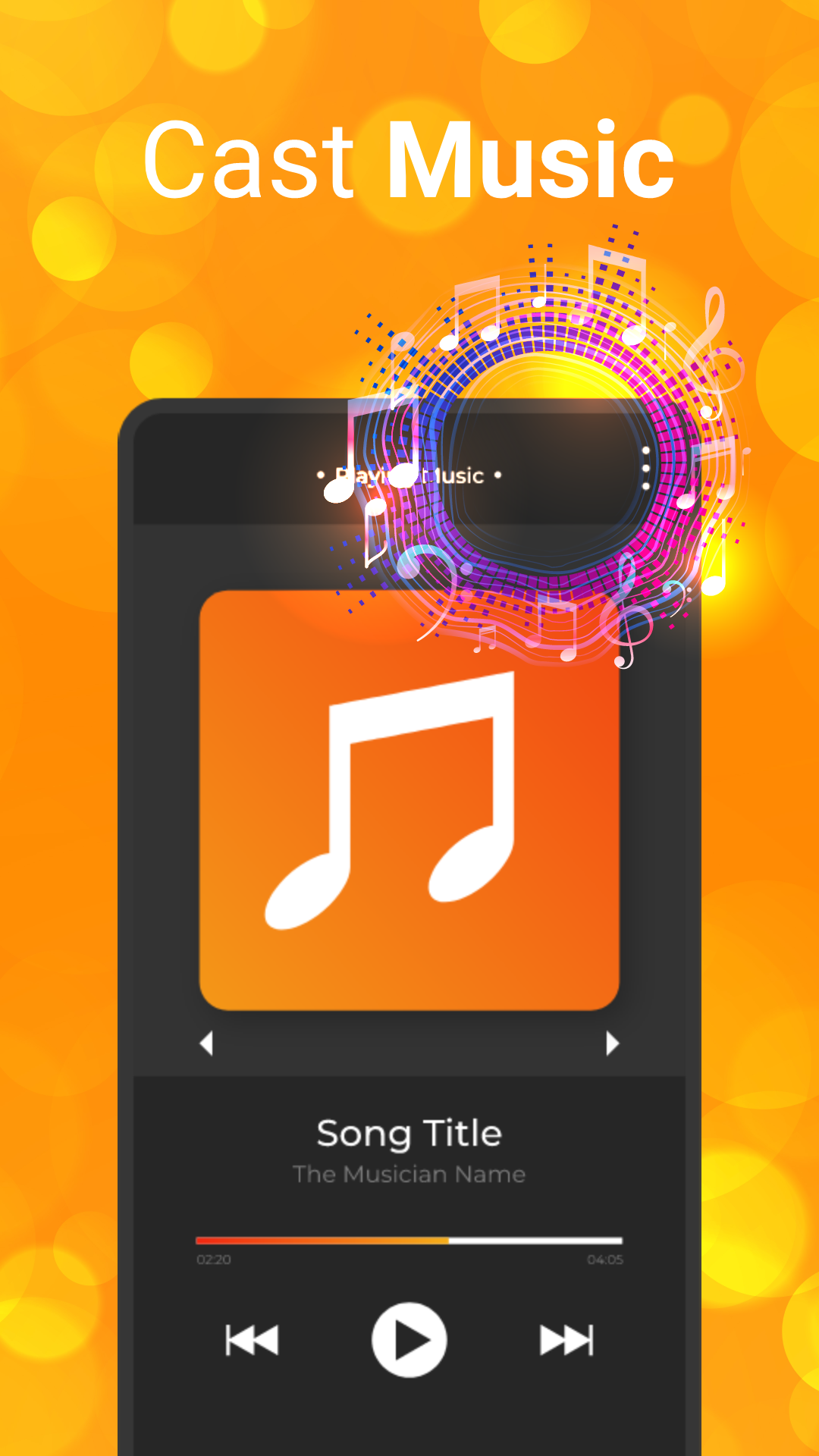
Music Through TV Speakers

Play your music library directly through your TV's speakers via the HDMI cable.

๐Ÿ“ฑ
Compatibility Checker

Built-in tool to confirm your device supports DisplayPort Alt Mode before you buy a cable.

๐ŸŒ
Browser Cast Fallback

Wi-Fi casting available as a backup option for devices that don't support wired HDMI output.

Three Steps to the Big Screen

1
Check Device Compatibility Use the built-in compatibility checker to confirm your phone supports DisplayPort Alt Mode.
2
Plug In the Cable Connect your USB-C to HDMI cable from your phone to the TV's HDMI port, then switch TV input.
3
Select Content & Cast Open the app, pick your video, photos, or music โ€” it plays in full resolution instantly.

Wired Beats Wireless

Feature Wired (HDMI) Wireless
Lag / Buffering Zero lag Possible
Resolution True 4K Compressed
Wi-Fi Required No Yes
Works Anywhere Hotels, travel Home only
Privacy Phone โ†’ TV only Via cloud/network
HDMI Cast

Your Phone Deserves a Bigger Screen.

Free on Google Play. 2M+ downloads. Try it today.

GET IT ON Google Play