🎵 Entertainment Android

Turn Your TV
Into a Music
Visualizer

Cast Spotify and YouTube Music from your Android phone to any TV, PC, or Chromecast — with stunning beat-reactive animations and full album artwork. Setup takes under 30 seconds.

10K+ Downloads
Free To Download
30s Setup Time
SoundCast app icon
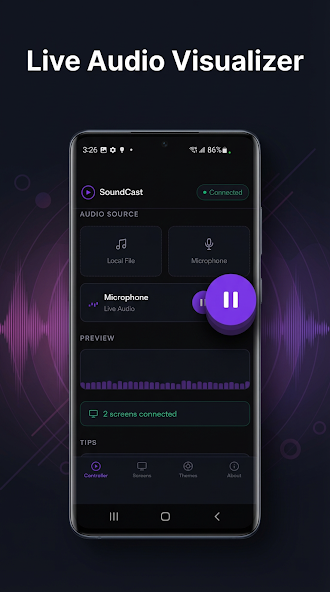
SoundCast music visualizer screenshot
SoundCast album art on TV screenshot
SoundCast visualizer view
SoundCast album art display
SoundCast music controls

Everything You Need to
Sound & Look Great on TV

📺
Cast to Any Screen

Works with Smart TVs (Samsung, LG, Sony), Chromecast, PCs, and any browser-capable display.

🎧
Spotify & YouTube Music

Full playback support for the two biggest music streaming platforms. More coming soon.

30-Second Setup

A simple 4-digit code connects your phone to your TV — no account, no Wi-Fi pairing, no fuss.

🎨
Beat Animations

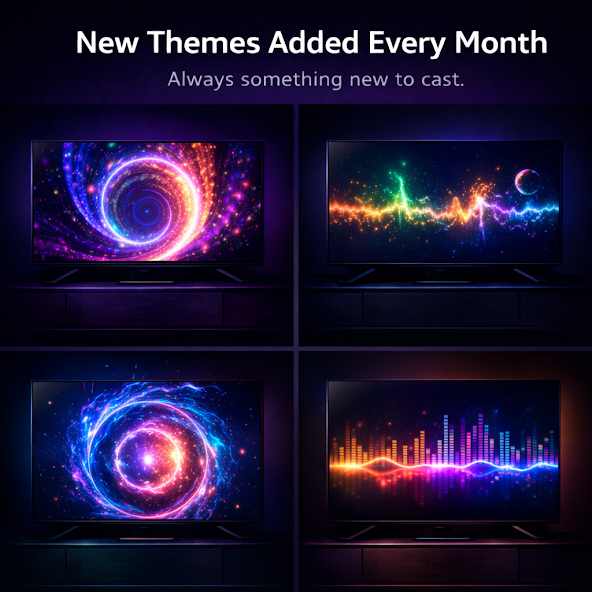
Real-time audio-reactive visualizations that pulse and dance to every beat of your music.

🖼️
Album Artwork Display

Full-resolution album art fills your TV screen alongside track name, artist, and lyrics.

🎛️
Full Playback Control

Play, pause, skip, seek, adjust volume, and view lyrics — all from your phone.

Up and Running in 3 Steps

1
Open SoundCast & Connect Music Launch the app and connect your Spotify or YouTube Music account in the app.
2
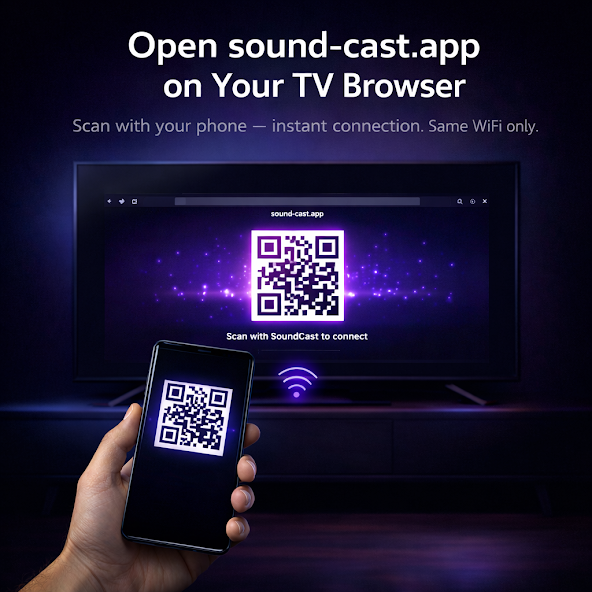
Open the Receiver on Your TV Navigate to the SoundCast receiver page in your TV's browser. A 4-digit code appears on screen.
3
Enter the Code — Done Type the code in the app and your music visualizer goes live instantly on the big screen.

Works With

📺
Smart TVs
Samsung, LG, Sony and any TV with a browser
🔴
Chromecast
Chromecast & Chromecast-enabled displays
💻
PC / Mac
Any browser — Chrome, Safari, Firefox
🎵
Spotify & YouTube Music
Requires an active subscription
SoundCast

Ready to Transform Your TV?

SoundCast is free on Google Play. Download it now and have music on your TV in 30 seconds.

GET IT ON Google Play